How are CRM applications used by the sales team?
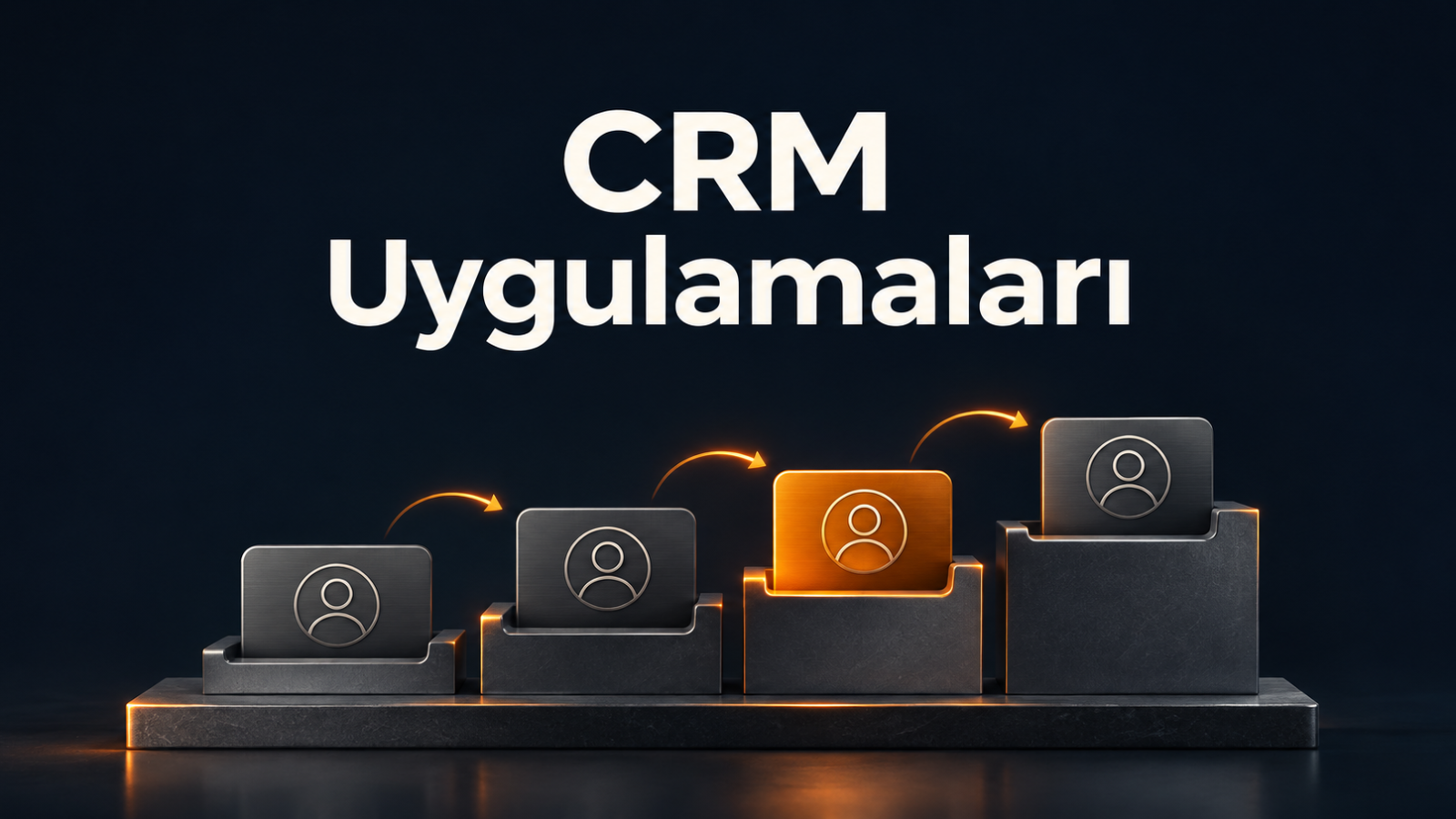
CRM applications allow you to track prospects, meetings, proposals, and next steps in a shared sales record. A practical CRM design for a sales team starts with ensuring that every open opportunity has an assigned owner, a stage, and a specific next step with a due date. When these three elements are complete, the team can see where a meeting left off in the record—even if the sales representative is on leave.
How do CRM applications change things for the sales team?
CRM goes beyond simply collecting a company’s phone numbers; it shows team members what requests a customer has made, who responded, and what action is next. For example, a company might have requested a quote via a web form and also called a sales representative. If you separate the company record from the sales opportunity, you can manage the company’s different product requests as separate opportunities while keeping the history of these two interactions in one place.
The stages in the sales pipeline are defined based on the team’s work. A B2B team might start with the stages “new lead,” “initial contact,” “needs clarified,” “proposal sent,” and “won/lost.” Write a transition condition for each stage. To move to the “proposal sent” stage, you can enter the proposal number and date sent; for “lost,” you can enter the reason for the loss. In CRM systems, linking a qualified lead to account, contact, and sales opportunity records is a common approach that supports this distinction. Microsoft Learn – Moving from Prospect to Sales Opportunity
Three Examples of CRM Applications
1. Assign the request received via the web form to a sales representative
When a visitor requests a product demo, the form creates a lead in the CRM that includes contact information and the expected arrival time. A rule can be used to assign a sales representative based on the product group or region. For example, a request from a distributor in the Izmir region is routed to the appropriate sales group; the team sees a follow-up date and records the nature of the request after the initial meeting.
If the same person submits a second form, the system can flag a potential match based on standardized email and phone numbers. Since corporate switchboard numbers or shared email accounts can be used by more than one person, leave ambiguous matches for approval by the sales team. During testing, submit the same form twice. The team should be able to view the second submission in the history of the first request and review the new request without sending a duplicate quote.
2. Recording a field visit using the mobile CRM
Once the representative finishes the call, they open the customer file on their phone and record the outcome of the brief conversation, the requested product, and the follow-up date. The office team then creates a task to prepare a quote based on this record. When a representative leaves or takes time off, the handover of open tasks can be done through the same company and opportunity records, rather than having to search through correspondence.
On the first mobile screen, include only fields that are useful in the field. The customer name, meeting outcome, next action date, and—if necessary—an attached file may be sufficient for most visits. If you’re working in a warehouse or facility without internet access, try having the pilot keep the record on the device, sync it when the connection is restored, and display any synchronization errors to the user. Device and offline usage requirements may necessitate a separate mobile app development scope.
3. Tracking submitted proposals and revisions
When a quote is sent, its version, amount, and validity date are linked to the corresponding opportunity. If a customer wants to change the delivery date, the representative can prepare a second version. The team can easily find the current quote for the customer while preserving the history of the first version. For example, if no response is received within three business days, a follow-up task can be created for the person in charge. The system stops generating reminders if a response has been recorded or if the opportunity has been closed.
The manager can view the number of proposals sent, as well as the waiting time and open opportunities with no due date. If the same customer requests proposals for two separate projects, each proposal remains in its own opportunity. Aligning the stage names with the actual process used in team meetings makes the sales pipeline report easier to understand. Salesforce – Sales Pipeline Stages
What metrics are tracked in the CRM pilot?
Start with a sales team and open opportunities. If 18 out of 30 open opportunities have a follow-up date in the first week, the initial conversion rate is 60%. Also record the time elapsed from when the leads came in that week until the first human contact, as well as the lead dwell time. In the following weeks, compare the metrics using the same definitions. If different sales channels are used, track web form, phone, and field records separately at the outset. Recording automated form responses separately from human contact makes the metrics easier to understand.
Before the initial setup, work with the team on a sample customer handoff, a duplicate lead, a proposal revision, and an offline interview. If the sales team has to perform the same task on two screens, simplify the form or reassess the scope of the integration. Teams where proposal approvals go through multiple departments can also link responsibilities and task authorizations to the project management software workflow.
Frequently Asked Questions
-
Which CRM fields should be required during initial setup?
You can start by entering the customer or company name, a contact method, the person in charge, the sales stage, and the date of the next action. Add a short note field for the outcome of the meeting. Making certain information—such as the quote amount—required at the appropriate stage simplifies data entry.
-
How can a small sales team benefit from a CRM?
Even in a team of two or three people, seeing who is tracking which quote on a shared screen makes it easier to delegate tasks. You can start by limiting the scope to customer, opportunity, quote, and task records. Test the screens your team will use throughout the day by simulating an actual sales week.
-
How does CRM help measure sales performance?
CRM makes it easy to see the time to first contact, the stage of open opportunities, and how long proposals have been pending. You can analyze this data alongside won and lost opportunities. When comparing periods, be sure to note these changes whenever the product, price, or source of demand changes.
You can explore customer profiles, quote tracking, and web or mobile usage options tailored to your sales workflow on the CRM software service page.